Notes beside the lens, not inside the meeting.
Place a floating reader near the webcam and keep talking points out of screen share.
- Screen-share hidden
- Click-through
- Global shortcut
Pippo Teleprompter for Mac
Pippo is a native Mac teleprompter for reading on camera, recording takes, presenting live, and keeping private notes beside your webcam without showing them in screen share.
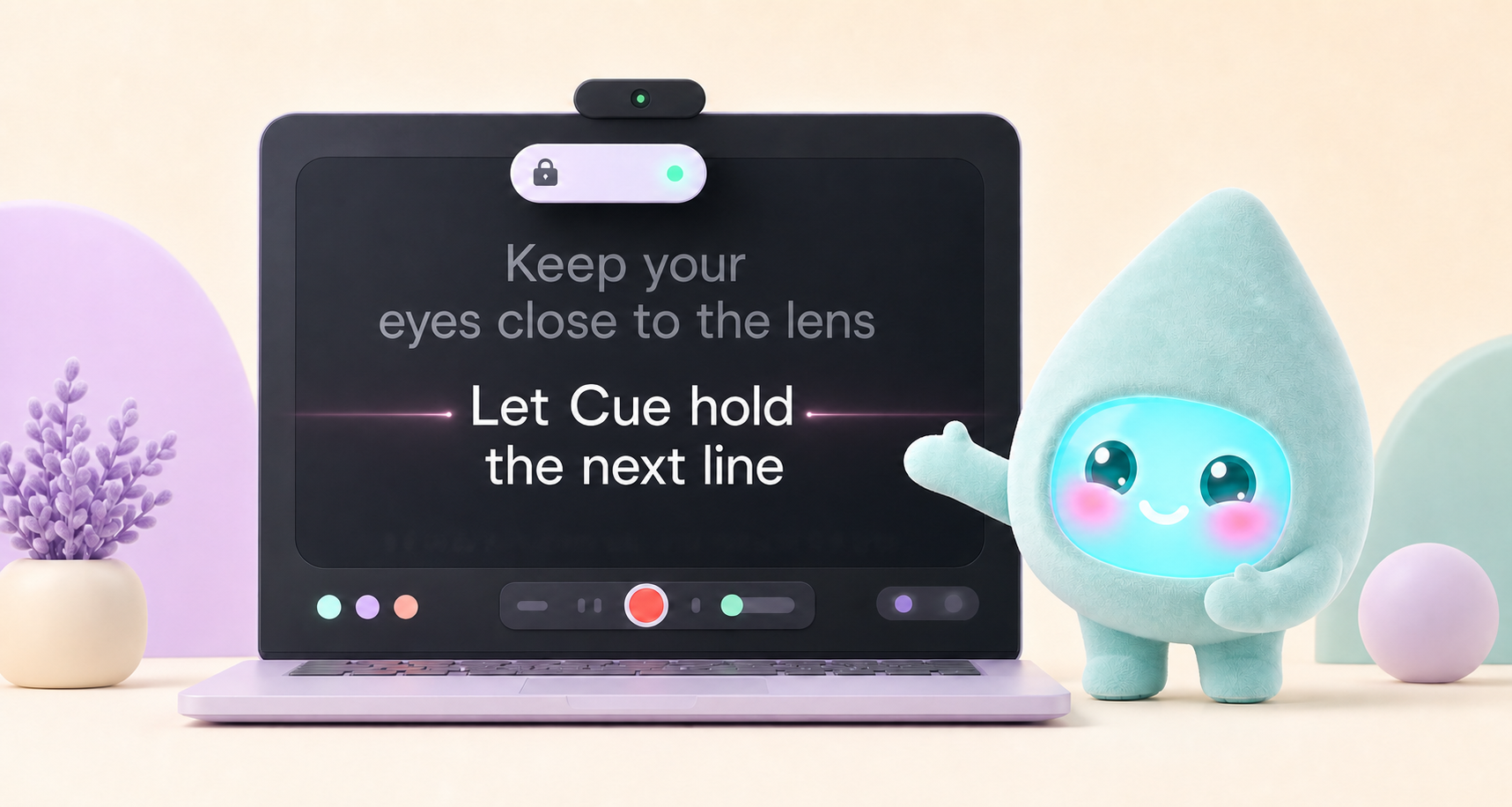

Keep your words close to the lens while you read.
Interactive product tour
Switch modes to see the reader, private pill, recorder, and AI assist without leaving the page.
Not just a scrolling text box
Pippo Teleprompter gives creators, founders, and teams the reader, private prompt, recorder, and script tools they expect in one Mac app.
Place a floating reader near the webcam and keep talking points out of screen share.
Smooth scrolling, eye-line focus, countdown, speed controls, and mirror mode.
Capture video or audio while the script rolls, then save or retake fast.
Tighten, shorten, warm up, and add breath breaks with your own local AI key.
Full teleprompter

Flagship feature

Record and retake
REC 00:18Video + audio · Countdown · Retake ready

AI script assist
We have many things to cover today and I want to make sure this is clear...
AfterHere is the clearest way to think about today's update.Private prompt, softer story
Keep a compact cue beside the webcam while your meeting, shared deck, or recording stays clean.

One clean workflow

Paste notes, import a file, or shape a rough idea into spoken copy.
Download Pippo TeleprompterPippo makes it feel personal
Pippo shows app state, celebrates progress, and keeps hard workflows feeling friendly.
ReadyOpen a scriptFocussedReading mode VoiceFollowing speechPillPrivate prompt
 StealthClick-throughRecordSaving takesAIPolishing copy
 CelebrateTake saved
Why it feels like the best Mac option
Create, search, duplicate, rename, auto-save, and recover scripts locally.
Bring in TXT, Markdown, RTF, DOC, DOCX, PDF, and article URLs.
Export TXT, Markdown, RTF, and large-type prompter-ready PDFs.
Keep notes, timers, and next markers separate from the public reading surface.
Send clean prompter text to a monitor or rig while controlling from the Mac.
Save Studio, Paper, Amber, and custom reading styles for different setups.
Space to play, arrows for speed, Command shortcuts, and global pill controls.
Pippo Teleprompter can follow your speech and keep the current line near the eye-line.
Scripts live on your Mac; AI uses your own key when you choose to enable it.
Built for people on camera
Record scripts, ad reads, course lessons, demos, and updates with fewer restarts.
Try Pippo Teleprompter Before Pippo Teleprompter
Notes in another window, eyes dropping off-camera, and retakes stacking up.
With Pippo TeleprompterA native Mac teleprompter, private pill, recording, AI polish, and a calmer on-camera flow.

Free for macOS 14+
Download the free Mac teleprompter for creators, meetings, recordings, and camera-ready delivery.
Before you install
Pippo Teleprompter is a native macOS teleprompter for writing, rehearsing, presenting, recording, and reading private prompts during calls.
Yes. Pippo Teleprompter is positioned as a free Mac app with no subscription and no Pro feature tier.
It is a floating prompt you can place near your webcam. It is designed to stay out of screen sharing and recordings while remaining visible to you.
Pippo Teleprompter does not sell an AI subscription. AI assist uses your own Anthropic API key, stored locally on your Mac.